

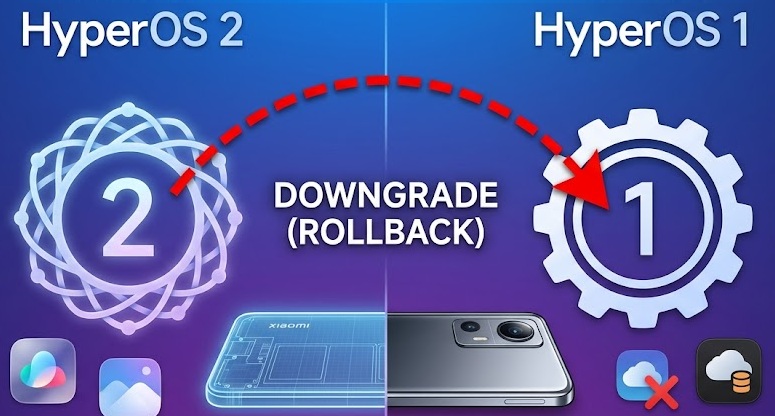
HyperOS 2 Downgrade to HyperOS 1 (Xiaomi)
Downgrading (Rollback) from HyperOS 2.0 to HyperOS 1.0 on Xiaomi devices is not as simple as a standard update. Due to Xiaomi’s security policies (Anti-Rollback), there is a risk of the device becoming permanently unusable (hard brick) during this process.
If you have decided to proceed with this operation, you must carefully examine the following steps and requirements:
Pre-requisites and Requirements
The downgrade process will erase all data on the device.
Bootloader Lock: It is mandatory that your device’s Bootloader is unlocked. You cannot downgrade if the lock is closed.
Backup: Back up your important data such as photos, contacts, and messages to a computer or the cloud.
Battery Level: Ensure that the device’s charge is at least 50% or higher.
Correct ROM File: Download the HyperOS 1.0 Fastboot ROM file appropriate for your device’s codename (e.g., sweet, sunny, gauguin).
Firmware Compatibility: When moving from HyperOS 2 back to 1, network issues or sensor errors may occur due to firmware incompatibilities. In this case, you may need to flash the appropriate Modem file for your device separately.
Sourcing ROMs: You can download HyperOS 1 ROM files from miuirom.org. Selecting the exact correct ROM for your specific model is crucial for a seamless process.
Flashing Tool: You can use the MiFlash Tool for the ROM installation process.