
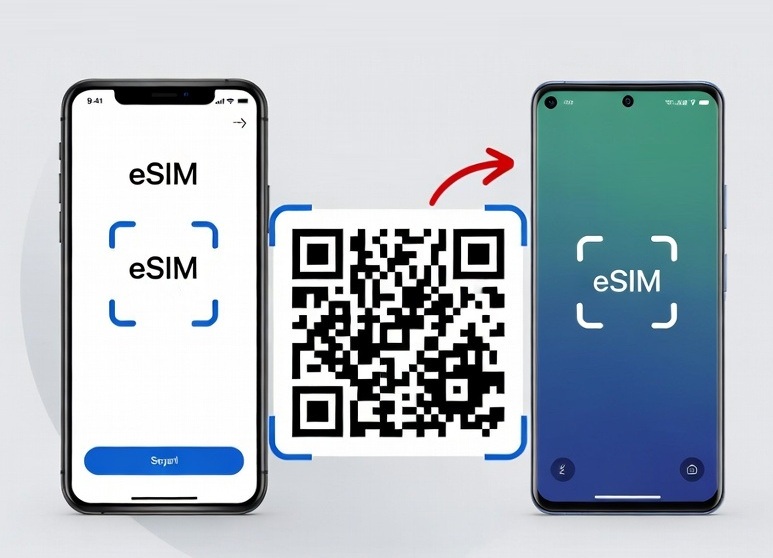
Esim QR Code Problems: Could not connect to SM-DP+ server
If you see any of these error messages:
Could not connect to SM-DP+ server.
The eSIM profile could not be downloaded.
Connection to the server was lost
How to Solve The Problem?
1- Make sure you use a stable wifi connection when installing esim with QR code
2- Make sure Data Roaming is activated.
3- If you can’t install esim with QR code, submit sm-dp+ server address and activation code manually.